Case Study 07
FrameCal
E-ink inspired calendar designed for glanceability of shared family planning
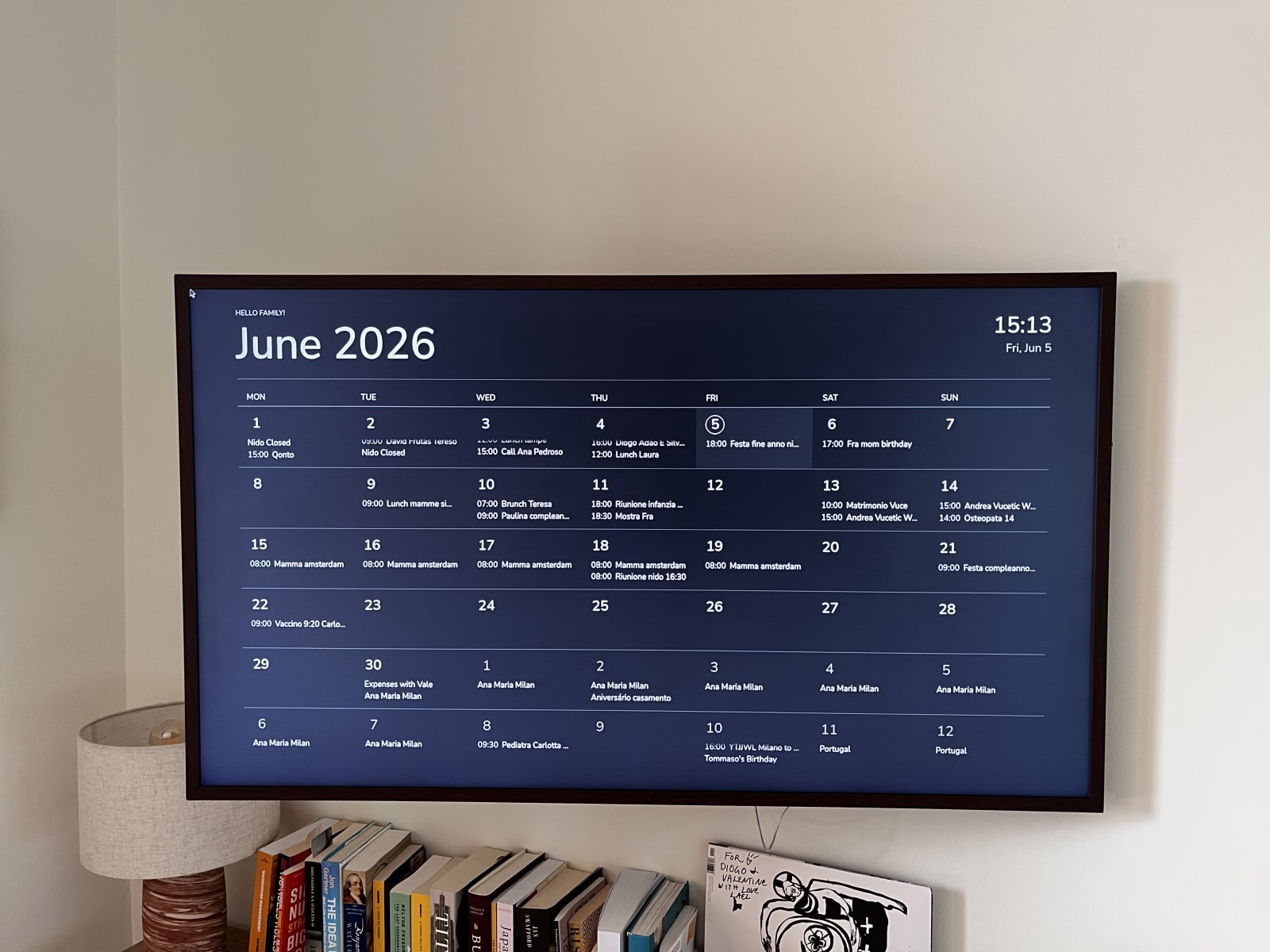
Ambient Display // 2026
The What
A wall display for families and focused people. Built with Raspberry Pi, synced with multiple family calendars.
The display supports light and dark themes, localized UI copy in English, Italian, and Portuguese (the languages spoken here at home), and multiple calendar sources with per-calendar visibility toggles, controlled through a PWA on my iPhone.
New events sync immediately with the calendar display.
In days with more than 3 events, there is a slider to make all events slowly appear.
Tools: Codex, Raspberry Pi
The Why
"Lost time is never found again."
Inspired by the e-ink aesthetic, I wanted to create a minimal monthly calendar for our family, displayed in our living room. Due to the high cost of large e-ink displays, that option was discarded. The alternative was to display the calendar on our Samsung Frame, which turned out to be perfect for this use case.
I am very satisfied with the outcome — it is now much easier to stay up to date with all family events.
TECH STACK
App Framework
Next.js App Router + React + TypeScript
Calendar Engine
ical.js + rrule for iCal parsing and recurring events
Raspeberry Pi
Raspberry Pi running Chromium in kiosk mode against a Samsung Frame TV
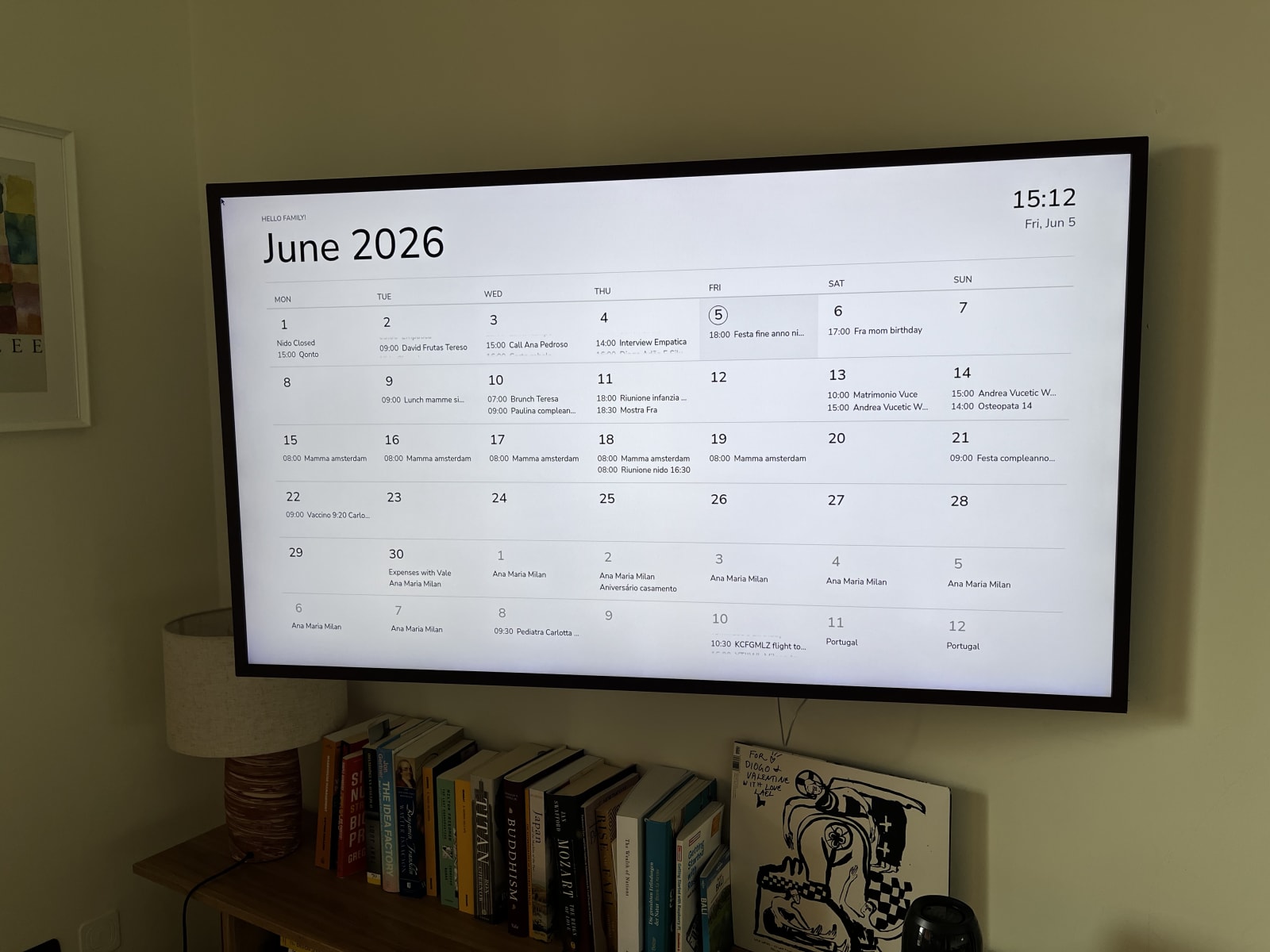
Calendar in Light Mode
Key
Learnings
Separating display and control
The TV interface was designed for passive viewing from a distance, while configuration lives in a separate admin PWA optimized for phones and laptops.
The best hardware was already at home
After researching e-ink displays extensively, I realized the Samsung Frame already solved most of the problem: large, beautiful, always visible, and designed to blend into the home.
Turning the TV into an appliance
Running the calendar directly in the TV browser did not deliver a reliable living room experience. The Raspberry Pi made it possible to auto-boot directly into the calendar, remove browser UI, and make the display behave like a dedicated household device.
View the source on GitHub
Explore Repository